Your branded streaming app for Windows
A native app for Windows 10 and 11 PCs and laptops, published in the Microsoft Store under your brand and your own developer account.
Live today: our own player, Vizion Player, is in the Microsoft Store for Windows PCs.View in the Microsoft Store
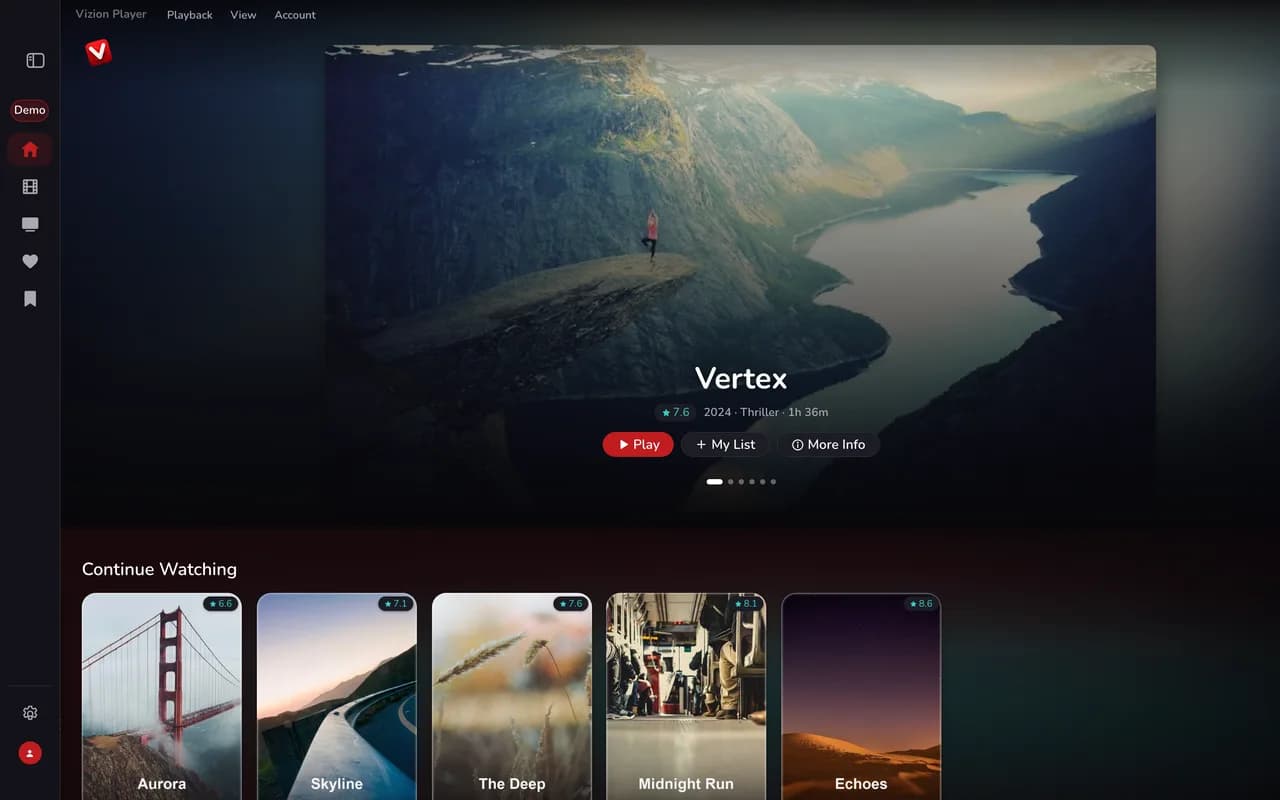
Built for the platform
Everything your Windows app needs
Tailored capabilities that make your branded app feel native on Windows PC.
Native Windows app
A desktop interface built for Windows 10 and 11, on standard PCs and Arm laptops.
Keyboard & mouse
Pointer navigation and keyboard shortcuts, the way PC users expect.
Full TV guide
Now/next and a complete program guide.
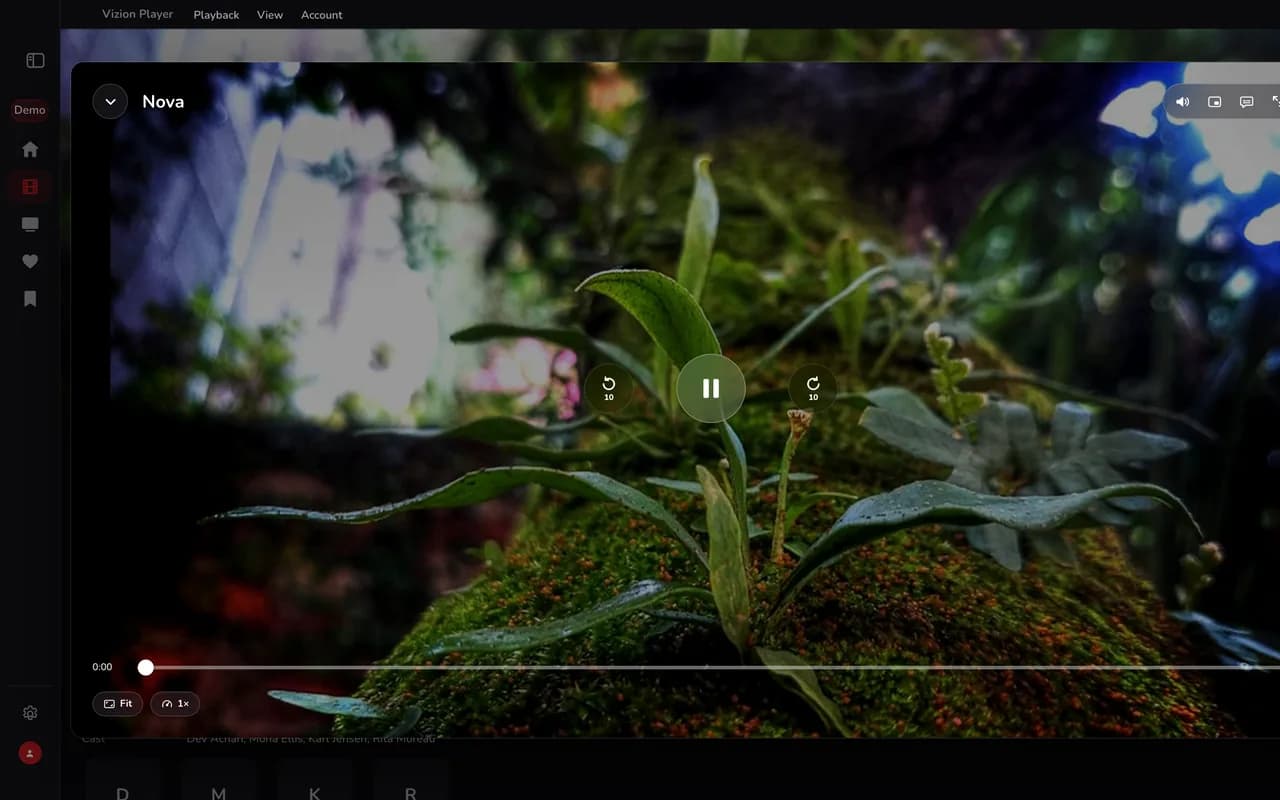
Picture-in-picture
Keep watching in a small floating window while you work.
Downloads & profile locks
Offline downloads where your service allows them, and profiles locked with a PIN or Windows Hello.
Microsoft Store support
Store-ready packages, listing assets and help through Microsoft’s certification.
Screenshots
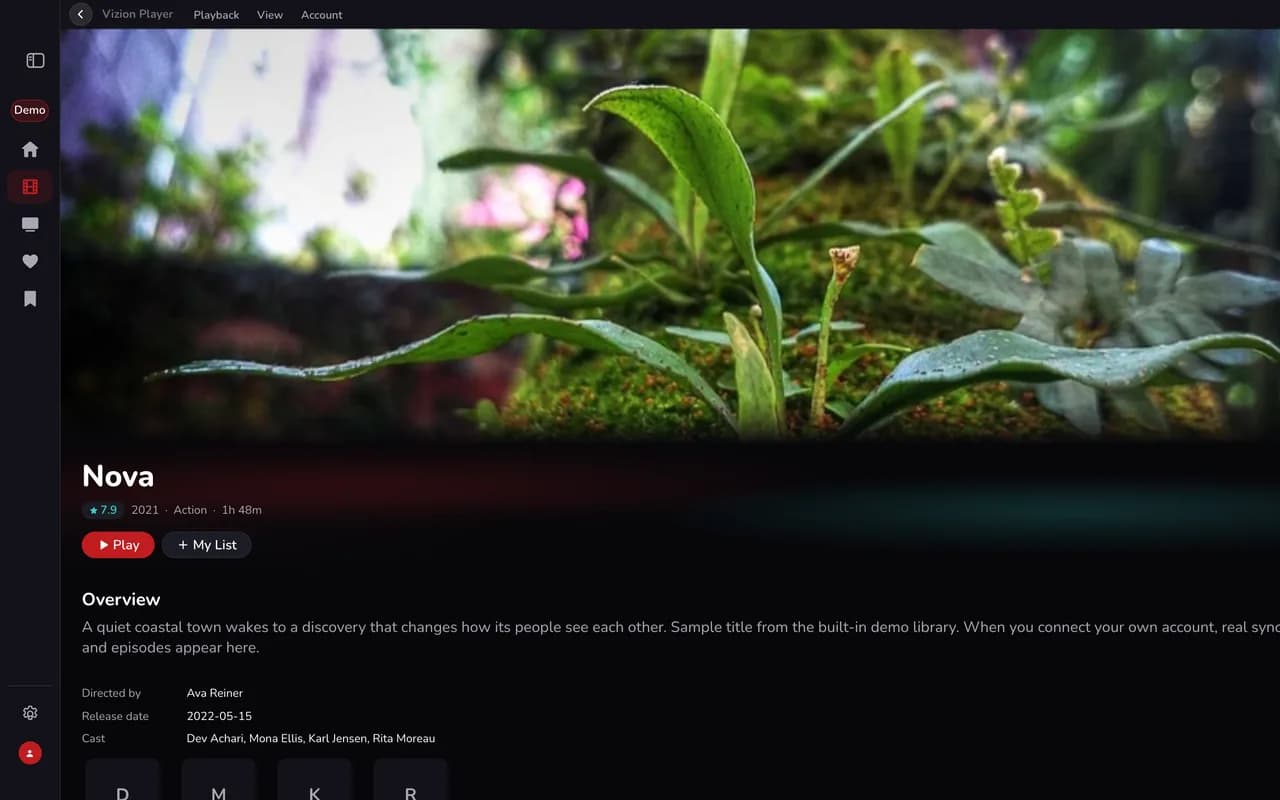
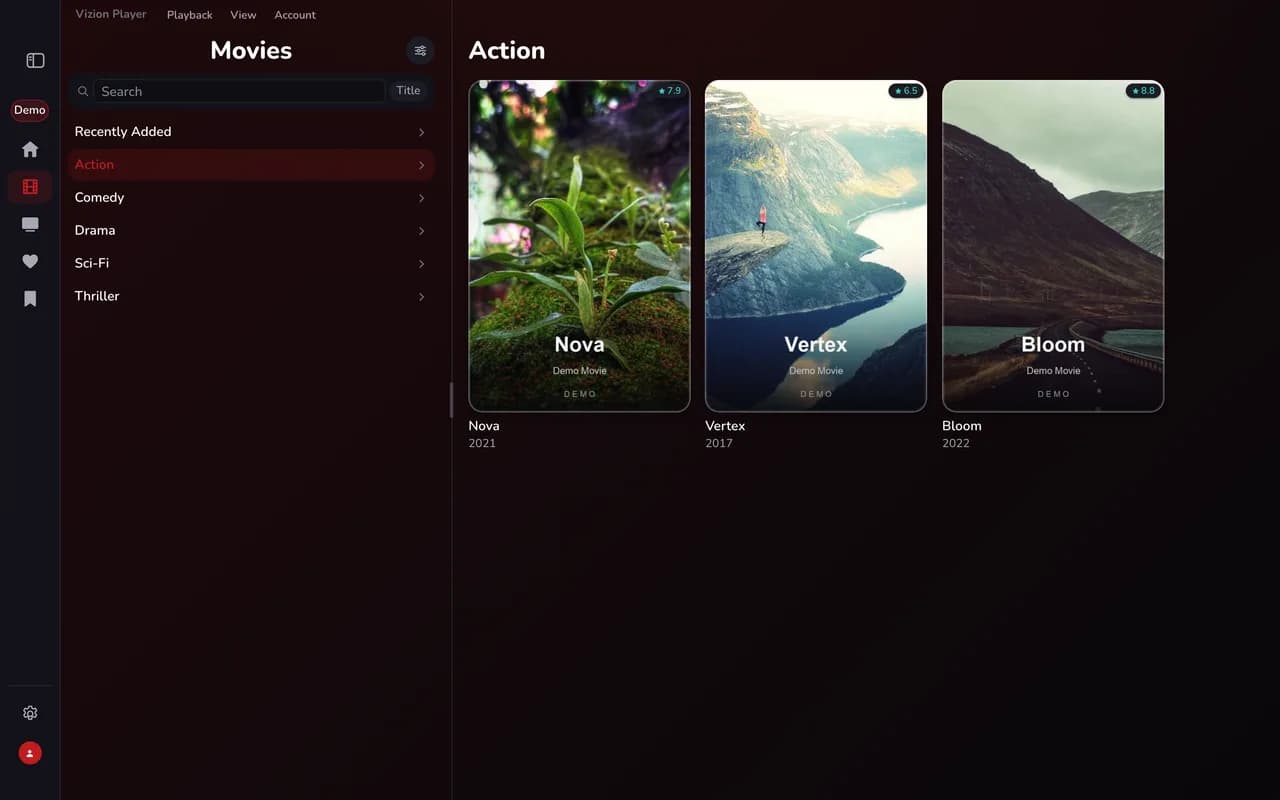
A polished, branded experience
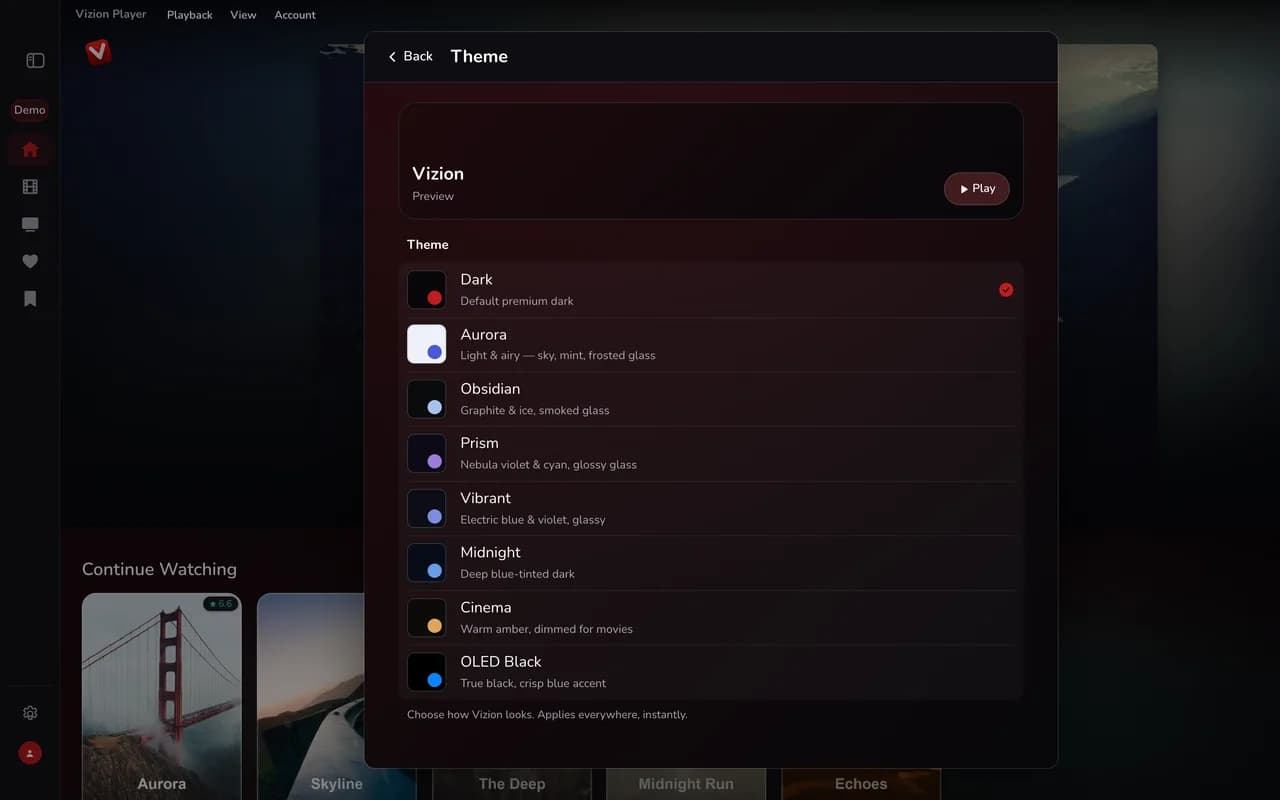
Real screens from the demo app in the device frame — your app carries your own name, logo and colors.
Why it matters
Why a branded Windows app pays off
The commercial case for putting your brand on this platform.
- Reach the many viewers who watch on a PC or laptop.
- Publish in the Microsoft Store under your own brand and account.
- Complete your lineup: phones, tablets, Mac, TVs, Windows and Xbox.
Sign-in
Works with the sign-in your customers already use
Player apps only — your viewers connect to your own licensed service. No channels or content included.
Username & password
Viewers sign in with the account they already have from your service.
Viewer profiles
Separate profiles for everyone in the household, including a Kids profile.
Profile locks
Any profile can be locked with a PIN.
FAQ
Windows questions, answered
Through the Microsoft Store, under your name and your own Microsoft Partner Center developer account. We provide store-ready packages and submission support.
White-label streaming app for Windows
A white-label streaming app for Windows brings your brand to the PCs and laptops your viewers already use. Instead of a generic player, you offer a native app with your logo, colors and app name, published in the Microsoft Store. OTT Builder builds and maintains it so you can focus on customers.
Viewers sign in with the account they already have from your service and get live channels, movies and full series, with a complete TV guide, favorites and continue-watching. Picture-in-picture, offline downloads, multi-audio and subtitles make it a flexible way to watch at a desk.
We keep the app updated for new Windows releases, with no development team required on your side.
Ready to launch your Windows app?
Pick your app, send us your logo, colors and app name, and your app is ready for review within 15 business days.
Prefer to talk first? Open a ticket or email our team.